Clover Mini POS . Clover Station . Clover Flex
Clover Hardware: Flex, Mini and Station
Clover hardware comes in three main pieces: the Clover Station POS system for a full counter, the Clover Mini for a smaller counter, and the Clover Flex handheld. Which mix fits depends on how you take orders and payments. The price depends on who sold you Clover, so check how your devices were bought.
Short answer
Which Clover hardware fits my business?
Clover hardware comes in three main types: the Station for a full counter, the Mini for a compact counter, and the Flex for payments at the table or on the go. The right mix depends on how you take orders. Check whether devices are bought or leased. Send your statement for a free statement review.
What Clover hardware includes
Clover makes countertop systems, compact countertop devices and handhelds that run the same Clover software. Many businesses pair a Station or Mini at the counter with a Flex on the floor.
Clover is sold by banks and independent providers. Two businesses with the same devices can pay very different amounts, because the provider sets software, hardware and processing terms.
Which Clover device fits which business
- Clover Station: a main counter with a staff screen and, on the Duo, a customer screen
- Clover Mini POS: smaller counters, or a customer-facing device next to another register
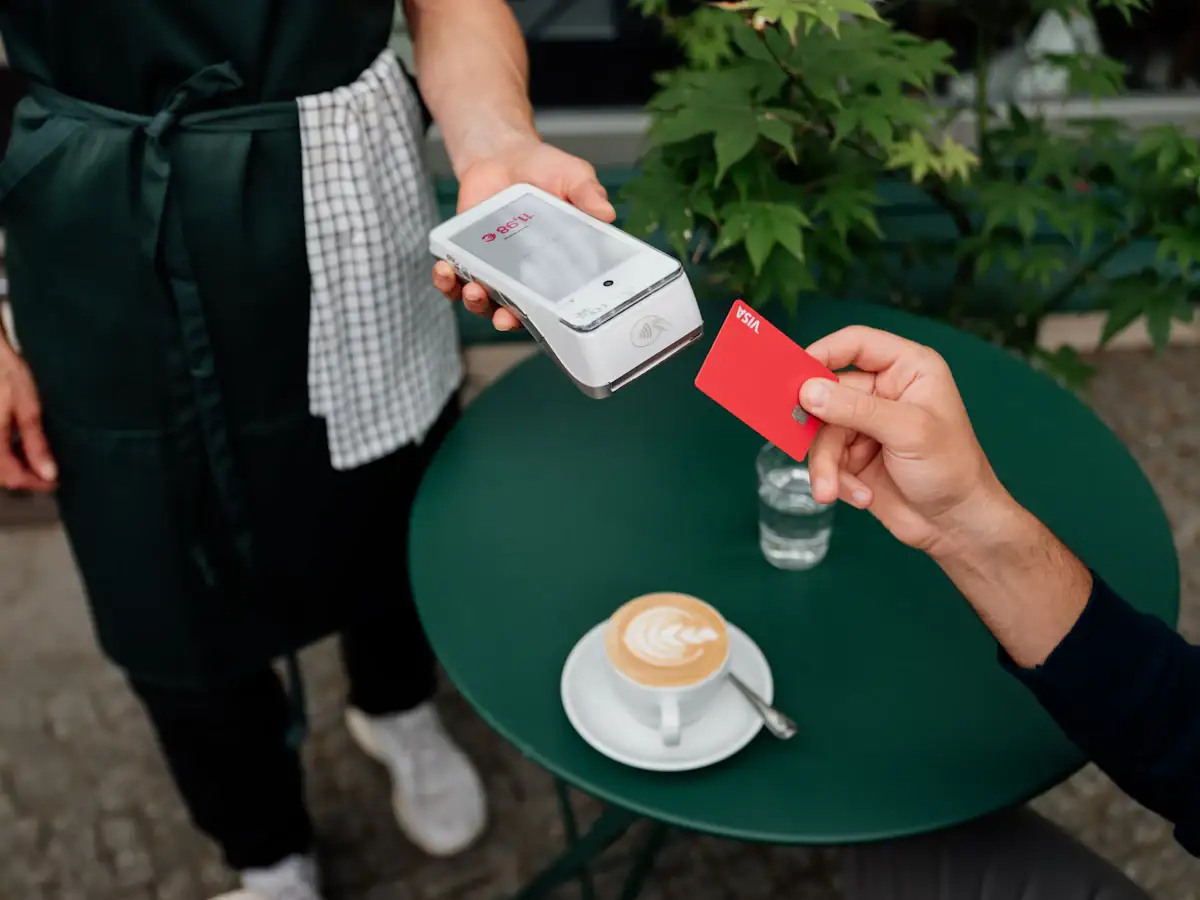
- Clover Flex: tableside payments, line busting and payments on the go
- A mix: a counter device plus one or more handhelds for the floor
Clover Station POS system, Mini and Flex
- Clover Station Solo
- An all-in-one countertop POS with a large touchscreen and a built-in receipt printer.
- Clover Station Duo POS system
- A countertop POS with one screen for staff and a second screen that faces the customer.
- Clover Mini
- A compact countertop POS with a built-in printer. It can run on its own or face the customer next to another device.
- Clover Flex
- A handheld for orders and payments at the table or on the go. The Flex Pocket is the version without a printer.
- Kitchen display and kiosk
- Optional add-ons for orders on the line and self-ordering at the counter.
Clover hardware at a restaurant or bar
A common restaurant setup is a Station at the host stand or counter, a Flex for servers, and a kitchen display on the line. Bars often add a Flex so staff can close tabs along the rail.
Each device can carry its own monthly fee. Before you add hardware, ask what it adds to your software plan and whether it is bought or leased.
What to check on your statement if you use Clover hardware
- Which Clover devices you have, and whether each was bought, leased or bundled
- The monthly software plan and per-device fees
- Leases on older Clover devices that no longer get app updates
- Who your actual processor is, behind the Clover name
- Any fee to keep or return devices if you leave
Clover hardware questions
Still not sure? Ask us directly.
What is the difference between Clover Mini and Clover Station?
Clover Station is a full countertop POS for a main counter, in a Solo or Duo version. Clover Mini is a smaller countertop device that can run on its own or face the customer next to another register.
What is the Clover Station Duo POS system?
The Station Duo is a countertop Clover POS with one screen for staff and a second screen that faces the customer for tips, signatures and receipts.
When does a Clover POS Flex make sense?
The Flex fits businesses that take payment away from the counter: at the table, along the bar, in a line or on the go. Many pair one or more Flex handhelds with a Station or Mini.
Should I buy or lease Clover hardware?
It depends on your provider's terms. A lease can cost more over time and may be hard to cancel. Check your agreement and statement for lease lines before adding devices.